
Recap OpenInfra & Cloud Native Day Vietnam 2025: HAMi, Fractional GPU for Efficient AI in Cloud Native
Two months after comparing the options, we picked HAMi. This time the talk opened it up: how a pod gets a slice, how the slice is enforced, and what it looks like in a Kubeflow notebook.
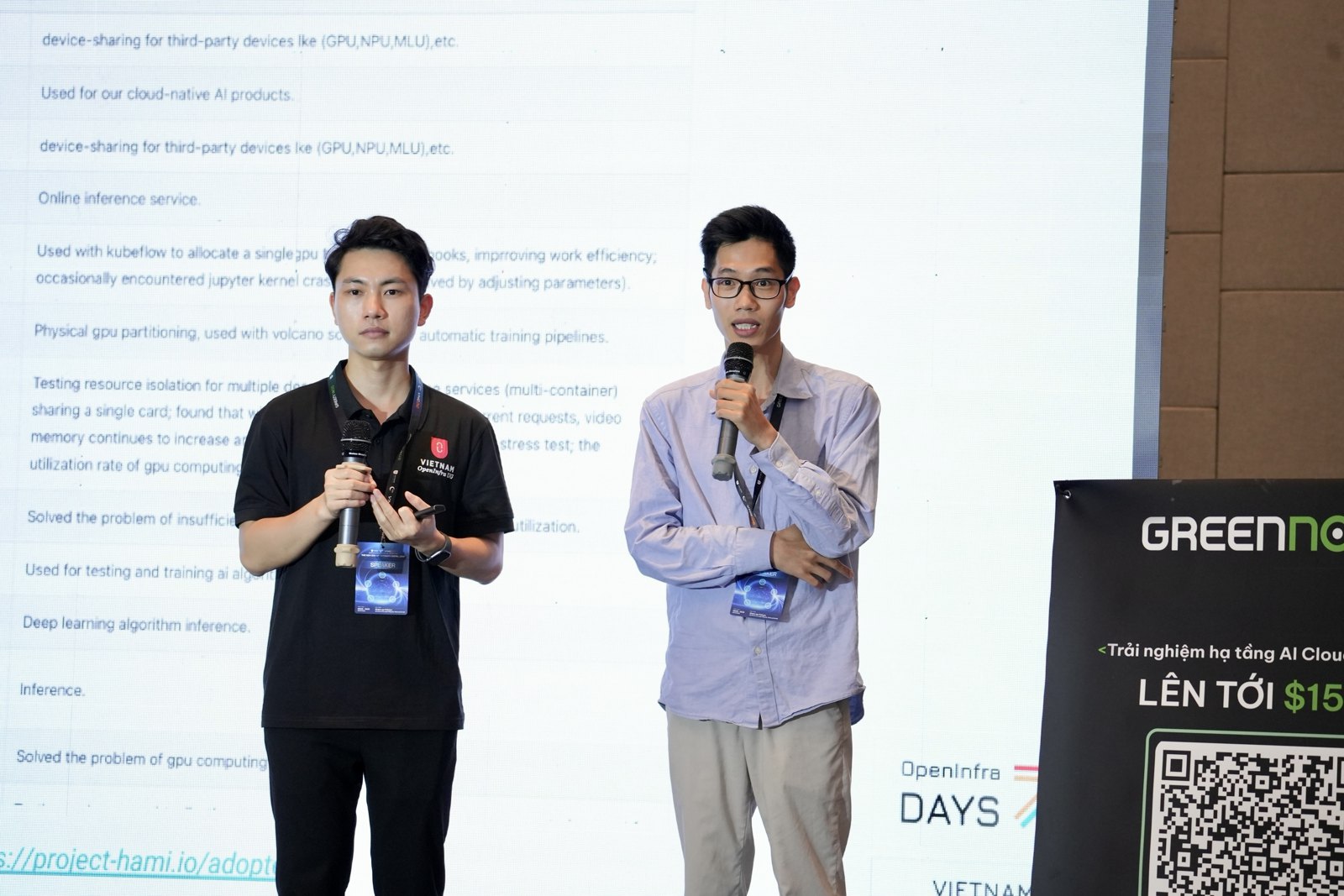
In May, my teammate Minh Tu Nho and I compared three open source ways to share a GPU on Kubernetes at a Cloud Native Hanoi meetup (recap). By July we had picked one. At OpenInfra & Cloud Native Day Vietnam 2025 in Hanoi, on 26 July, we gave the follow-up: why HAMi, how it actually works, and what it looks like for the people using the GPUs.
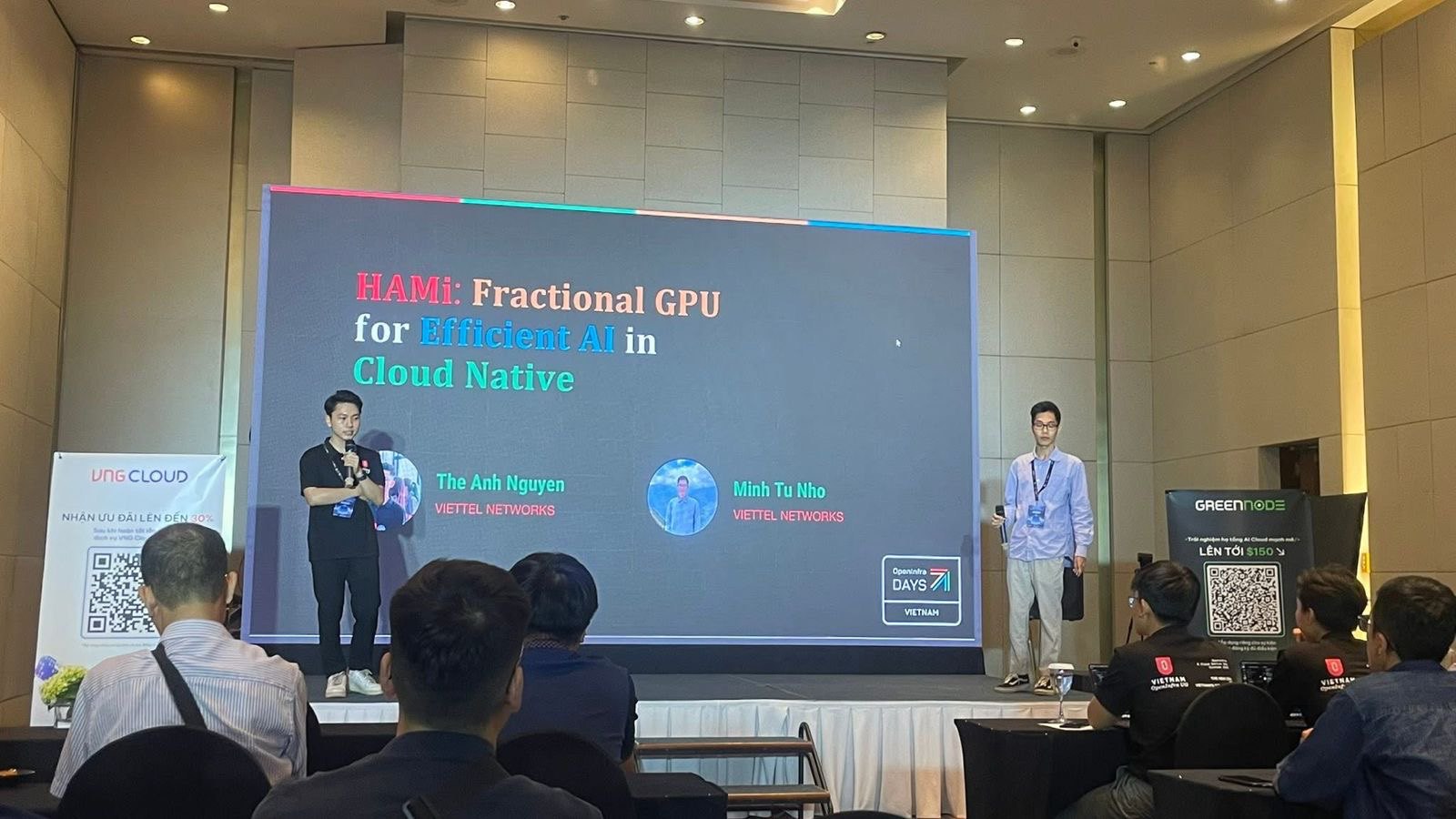
What changed since May
The first half is the same ground, tighter: what fractional GPU means, the CUDA concurrency mechanisms, and how cloud native tooling schedules and monitors GPU workloads. The rest moved on in four ways:
- The ClearML detour is gone. In May we proposed gluing KAI Scheduler to ClearML’s memory-limited containers. This time the talk goes straight from KAI’s limits to HAMi.
- Soft versus hard isolation became the main argument, not a footnote.
- HAMi is opened up: the webhook, the scheduler, the device plugin and HAMi Core, one slide each.
- The Kubeflow idea became a working UI. In May it was one slide saying “HAMi plus Kubeflow”. In July we showed a notebook form where you pick your slice.
KAI Scheduler: easy to share, soft to isolate
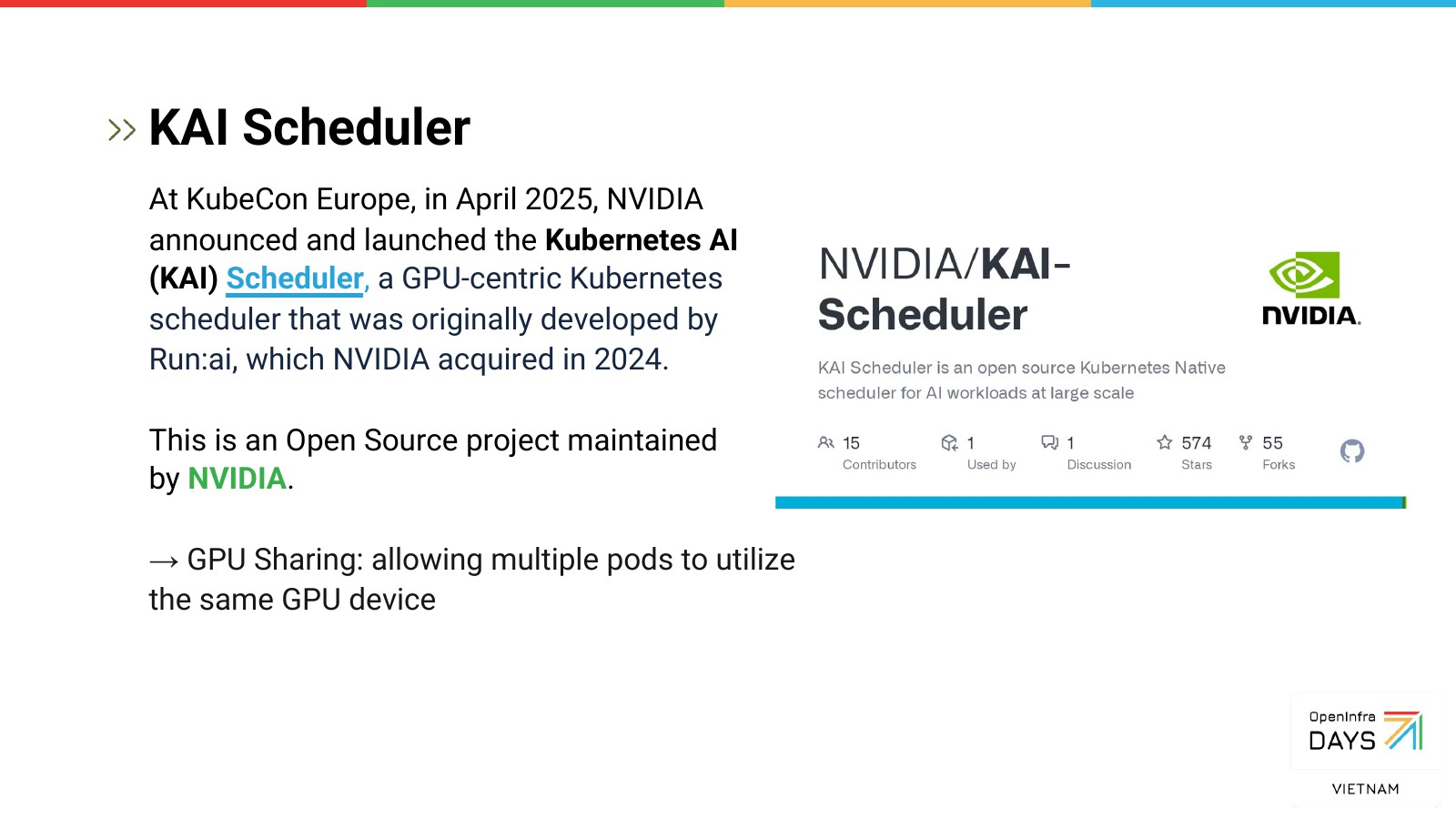
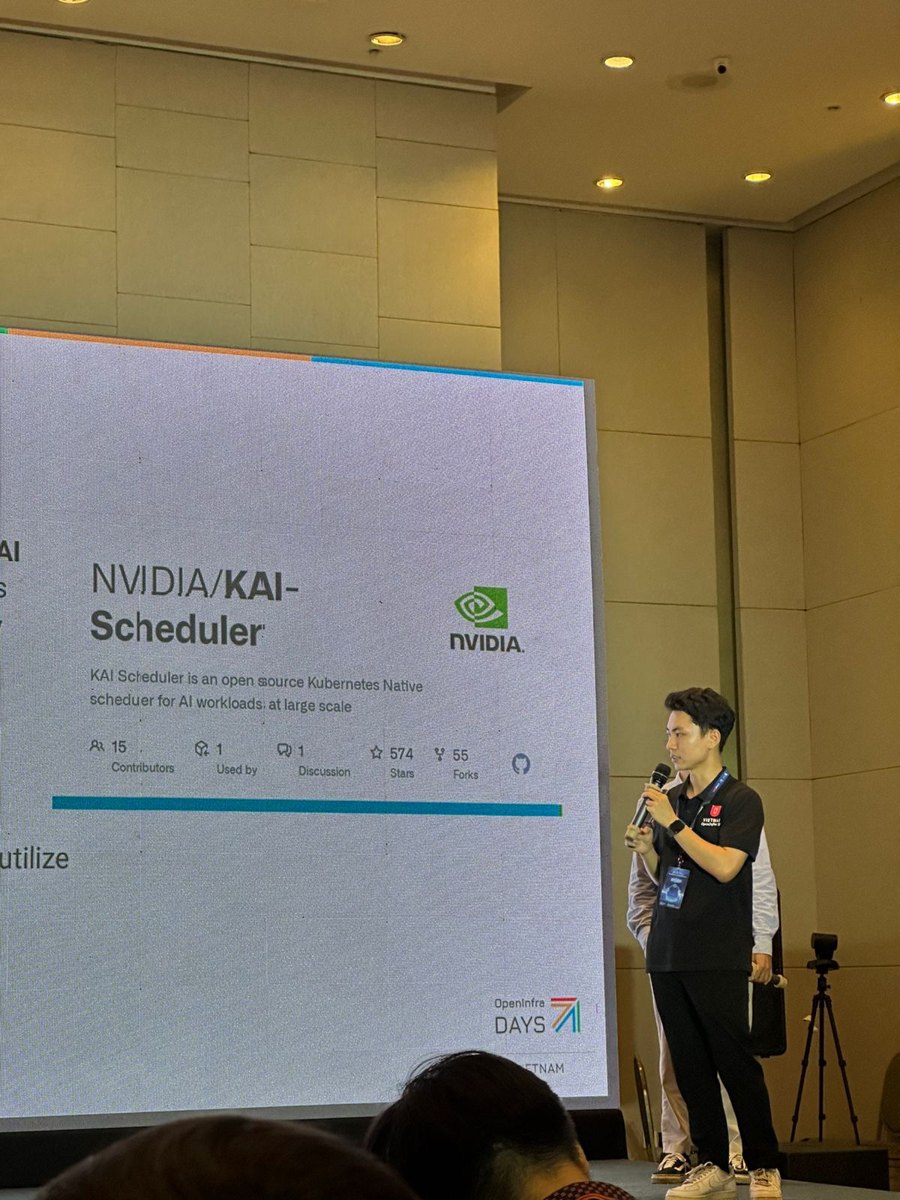
At KubeCon Europe in April 2025, NVIDIA open sourced the
KAI Scheduler, a GPU-centric Kubernetes scheduler originally
built by Run:ai, which NVIDIA acquired in 2024. It lets several pods share one GPU, either by fraction
(gpu-fraction) or by memory (gpu-memory).
The catch is the same one we hit in May. KAI places pods by their share but doesn’t enforce it, so the
isolation is soft. Ask for half a GPU and nvidia-smi in the pod still shows the whole card
(#49,
#45).
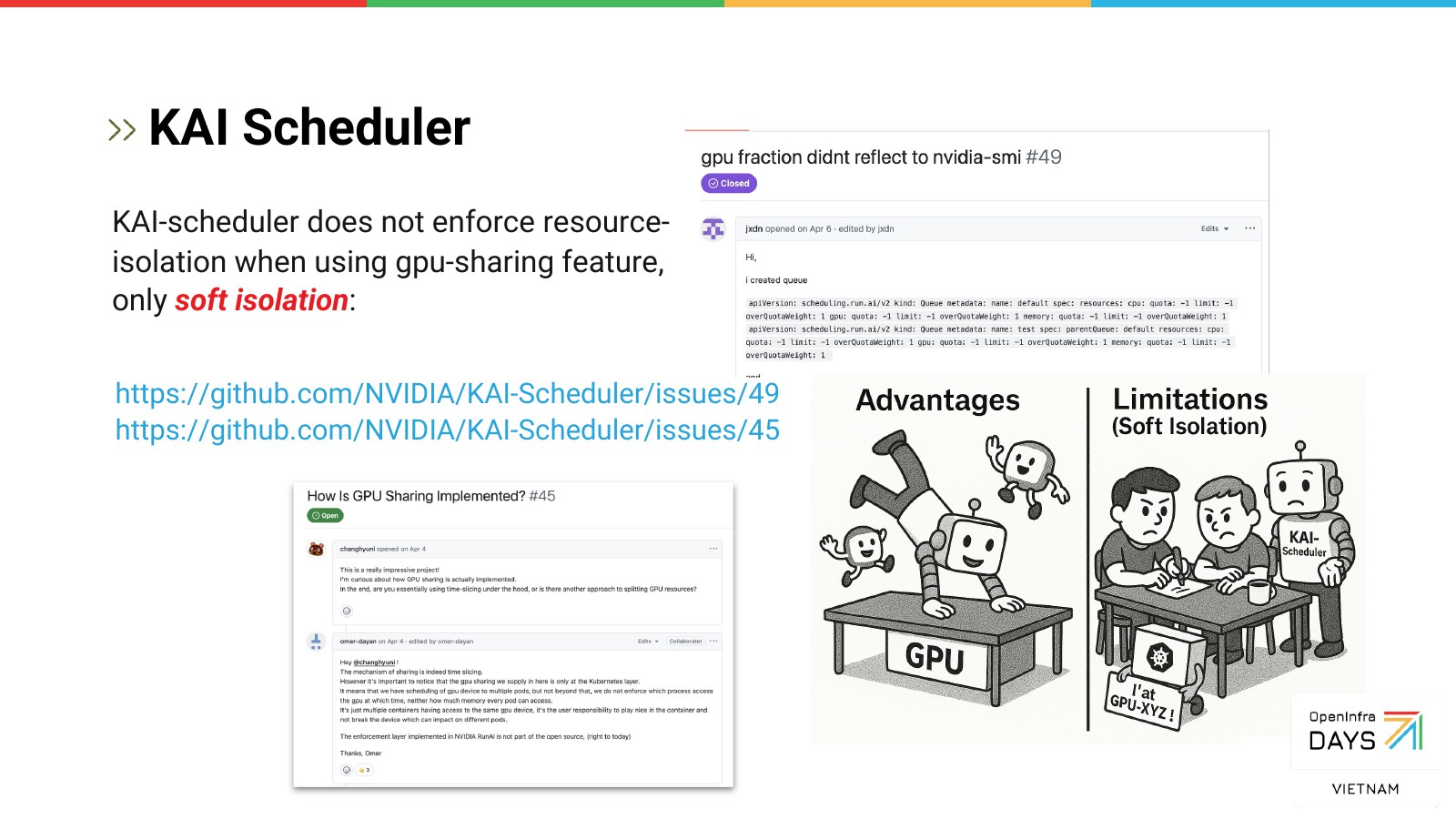
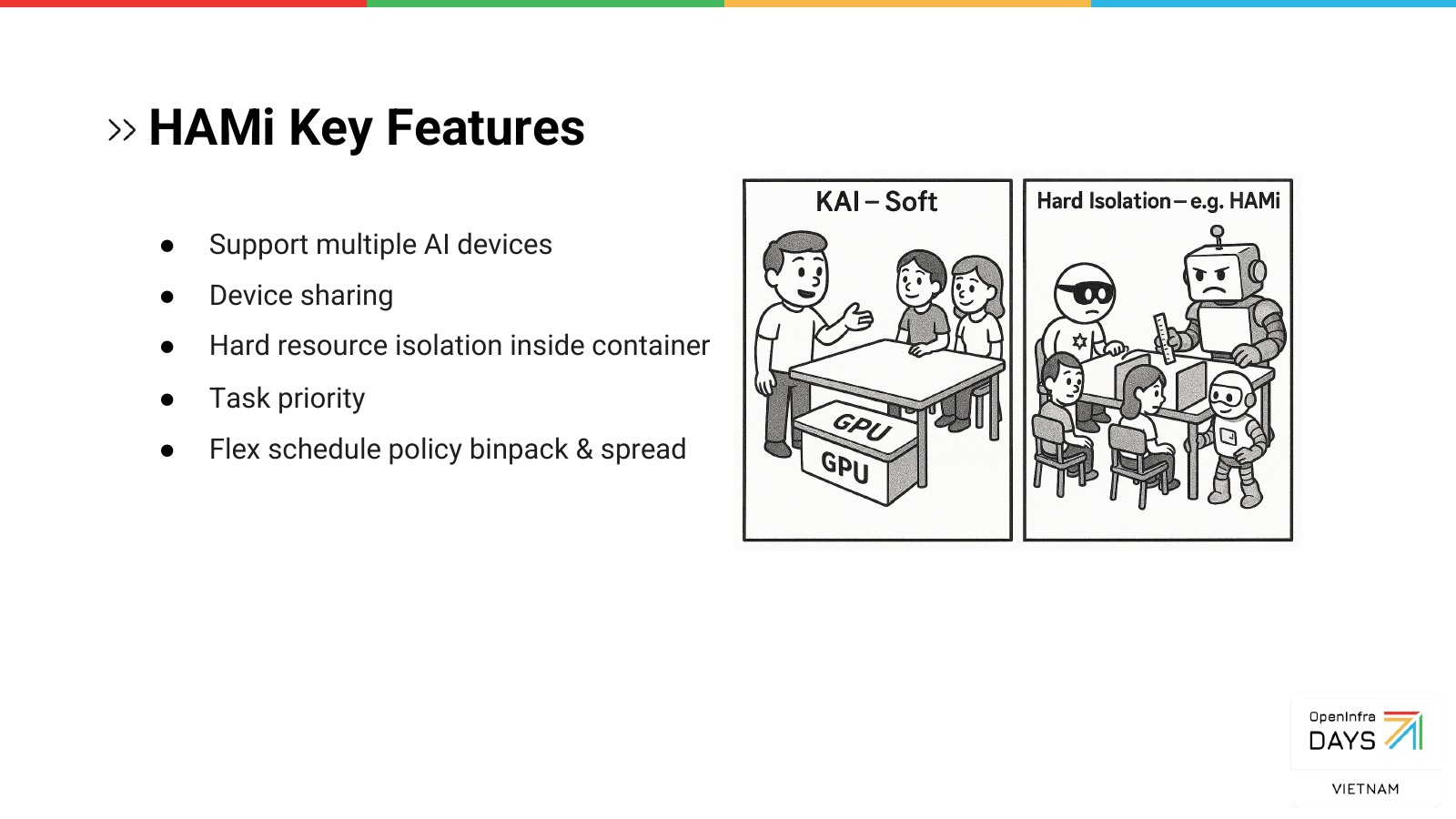
Soft isolation isn’t wrong. It keeps the scheduler simple and stays out of the CUDA path. But it also means one pod can take memory its neighbour was promised. For a shared platform where users don’t know each other, we wanted the limit to be hard.
How HAMi enforces a slice
HAMi was a CNCF Sandbox project then. The new part of this talk was following one pod through it. There are four pieces.
The webhook and the scheduler. You create a pod that asks for a vGPU. A mutating webhook spots the
request and changes the pod’s schedulerName to the HAMi scheduler. That scheduler is a kube-scheduler with
a HAMi extender: it reads the GPU usage each node reports in its annotations, works out what’s free, and
picks a node and a device.
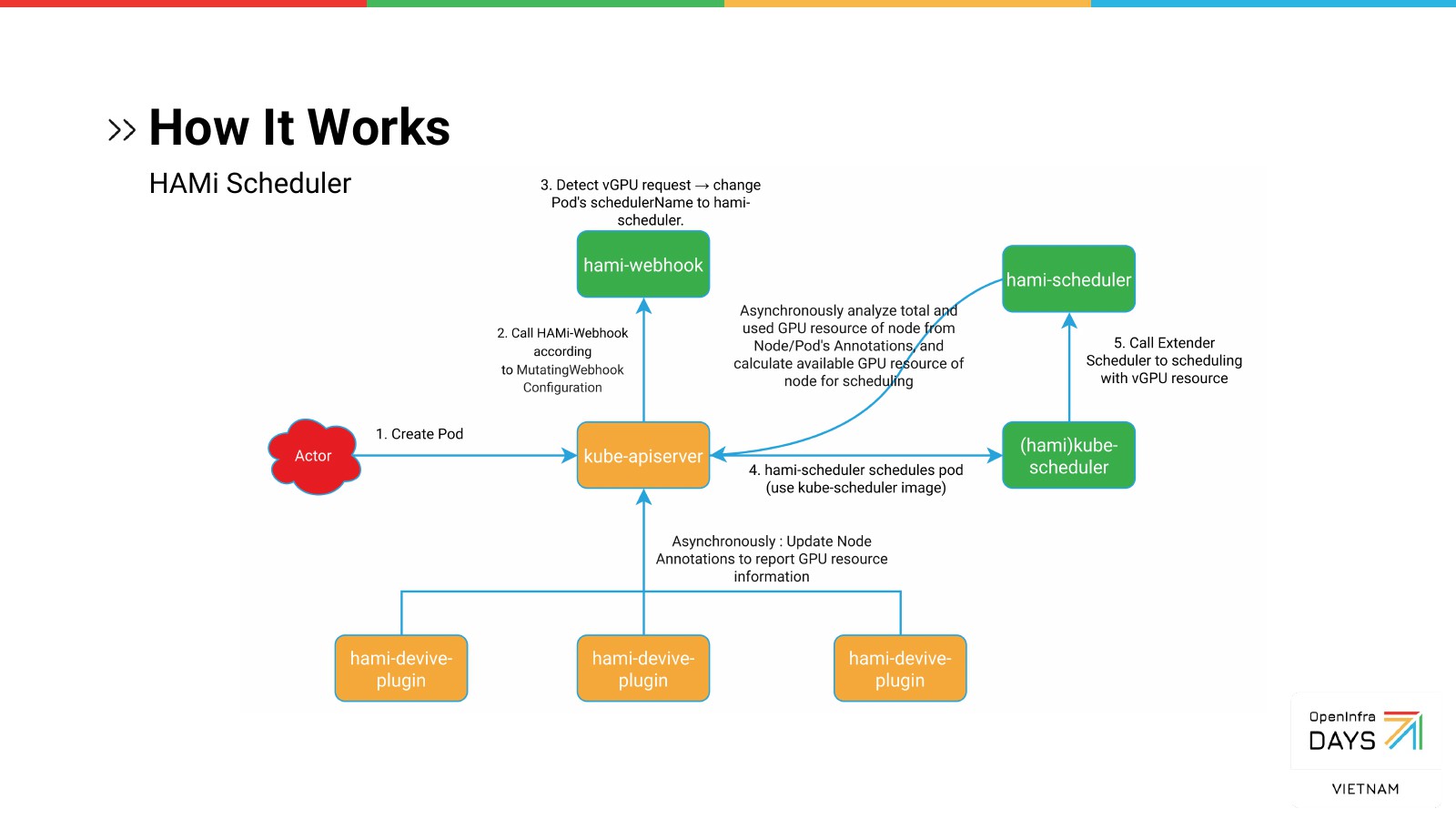
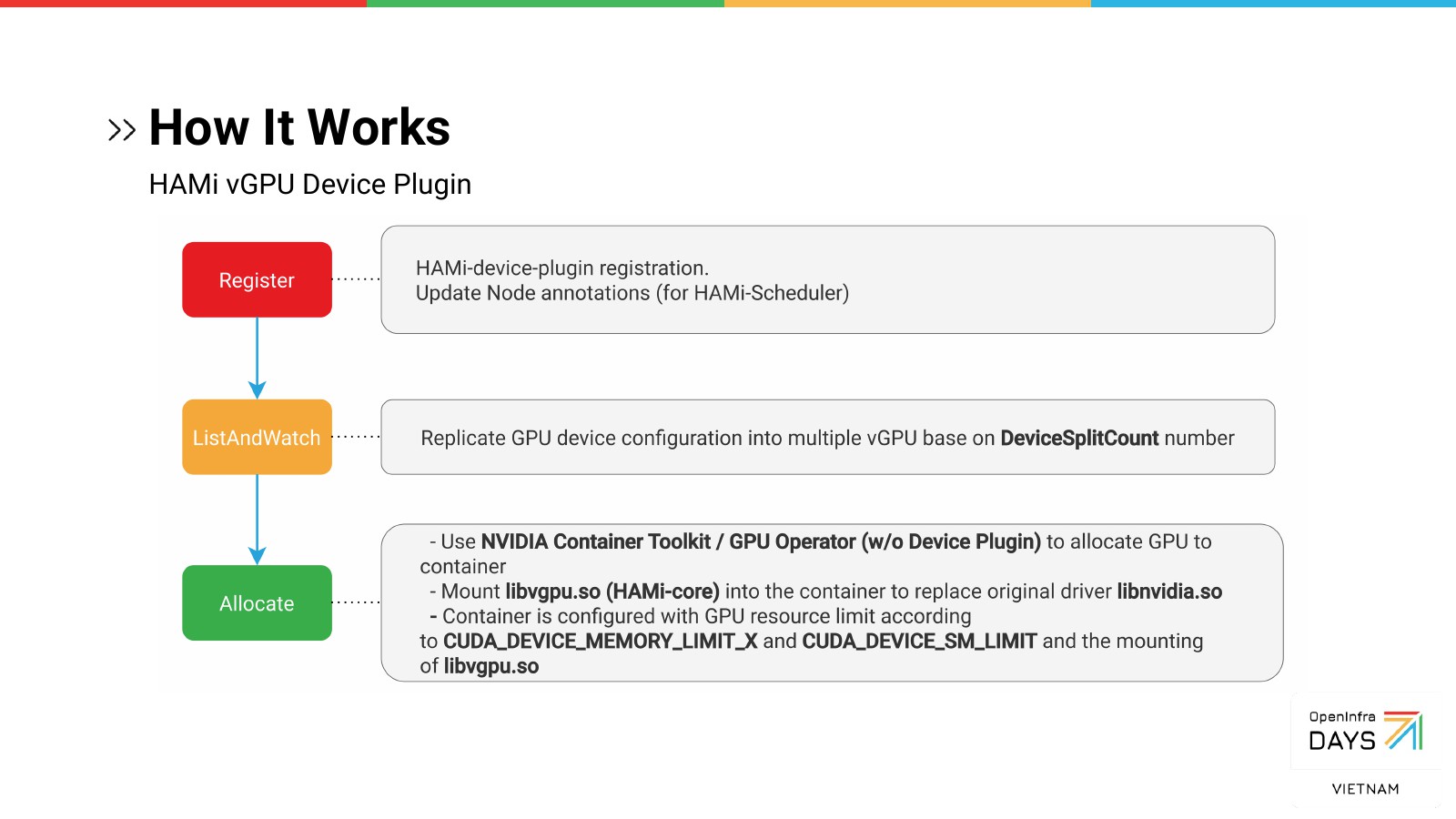
The device plugin. On each node, the HAMi device plugin registers and keeps the node annotations up to
date. In ListAndWatch it advertises each physical GPU as several vGPUs, according to DeviceSplitCount.
In Allocate it uses the NVIDIA Container Toolkit (the GPU Operator without its own device plugin) to give
the container the GPU, mounts libvgpu.so, and sets the limits as environment variables.
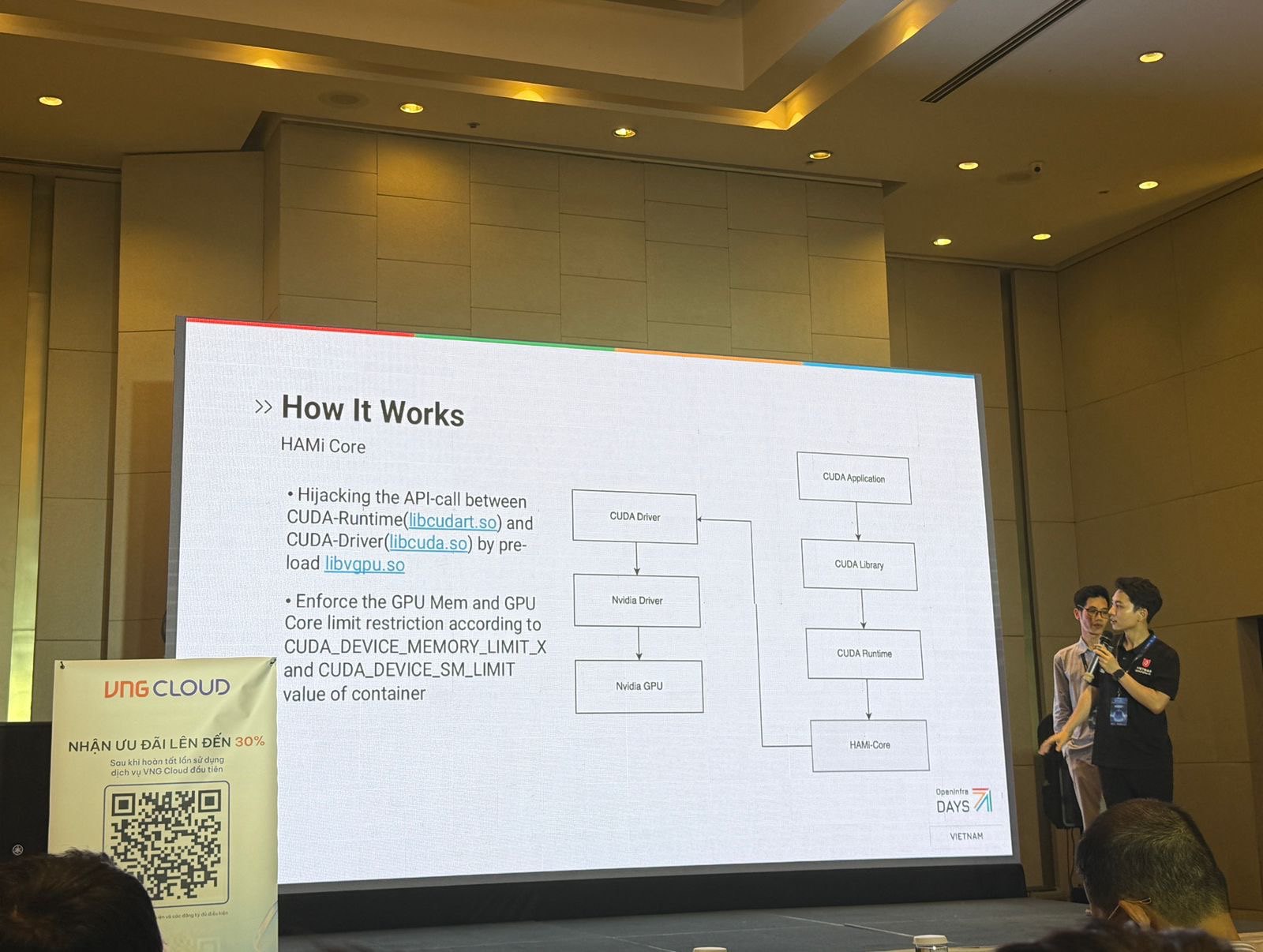
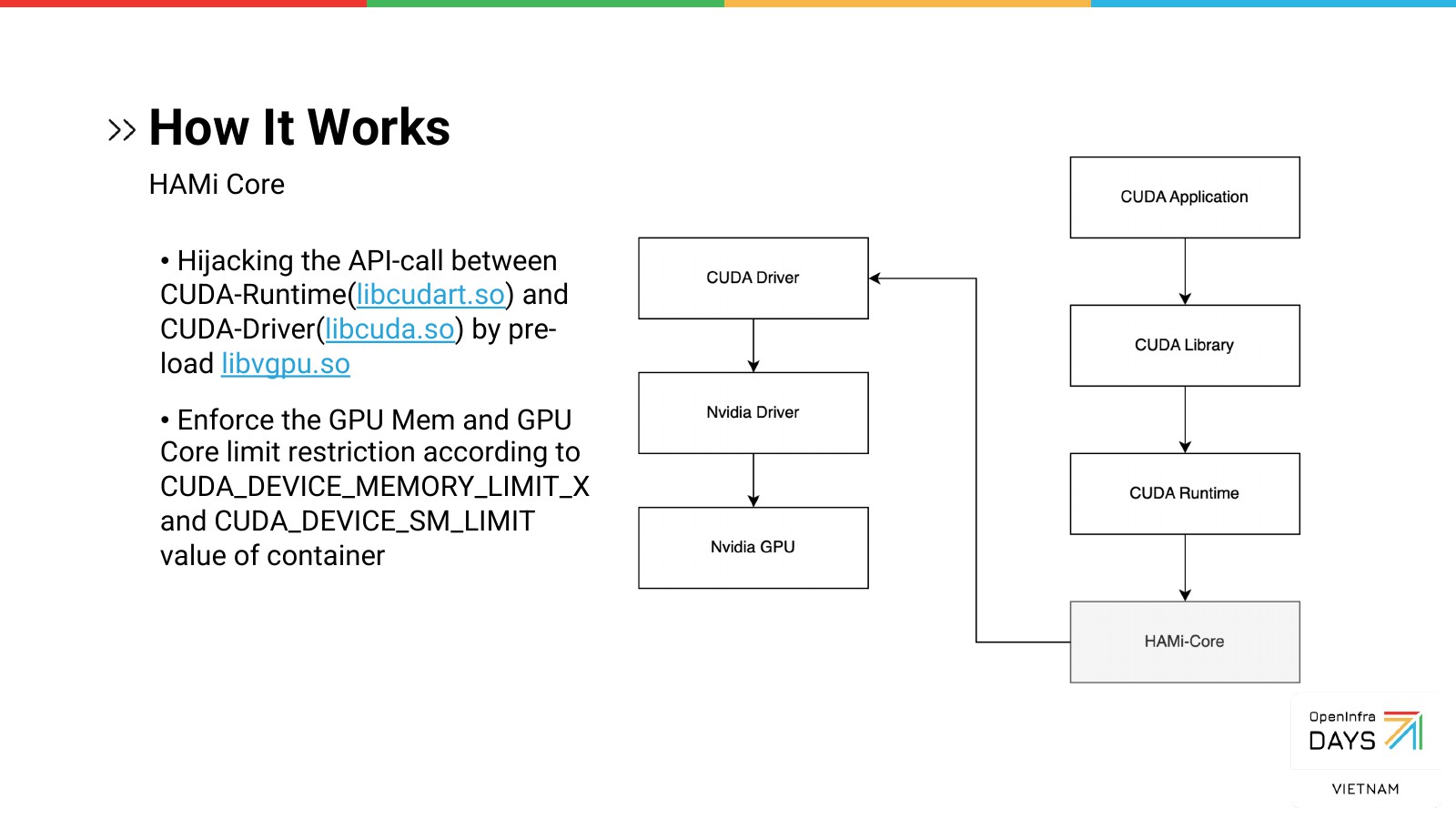
HAMi Core. This is where the limit becomes hard. libvgpu.so is preloaded into the container and sits
between the CUDA runtime (libcudart.so) and the CUDA driver (libcuda.so). Every call passes through it,
and it enforces the memory and core limits from CUDA_DEVICE_MEMORY_LIMIT_X and CUDA_DEVICE_SM_LIMIT.
In May we showed one knob, gpumem. This time we showed the rest of what a pod can ask for:
resources:
  limits:
    nvidia.com/gpu: 1                  # one vGPU
    nvidia.com/gpumem: 3000            # 3000 MB of device memory
    nvidia.com/gpucores: 50            # 50% of the device's cores
    # nvidia.com/gpumem-percentage: 50 # or memory as a share of the card
    # nvidia.com/use-gputype: "A100,V100"    # only these card types
    # nvidia.com/nouse-gputype: "1080,2080"  # never these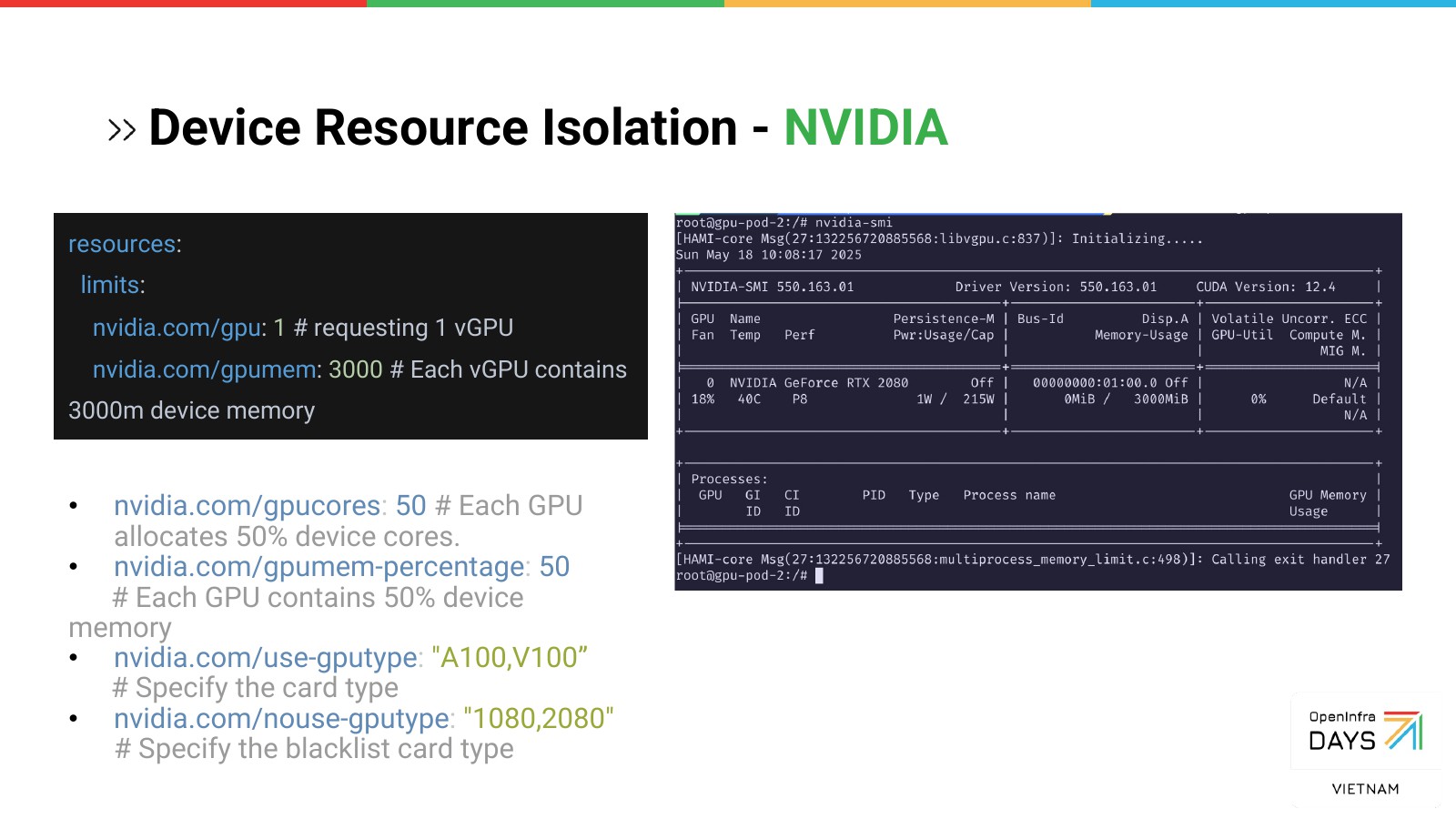
Fractional GPU in Kubeflow Notebooks
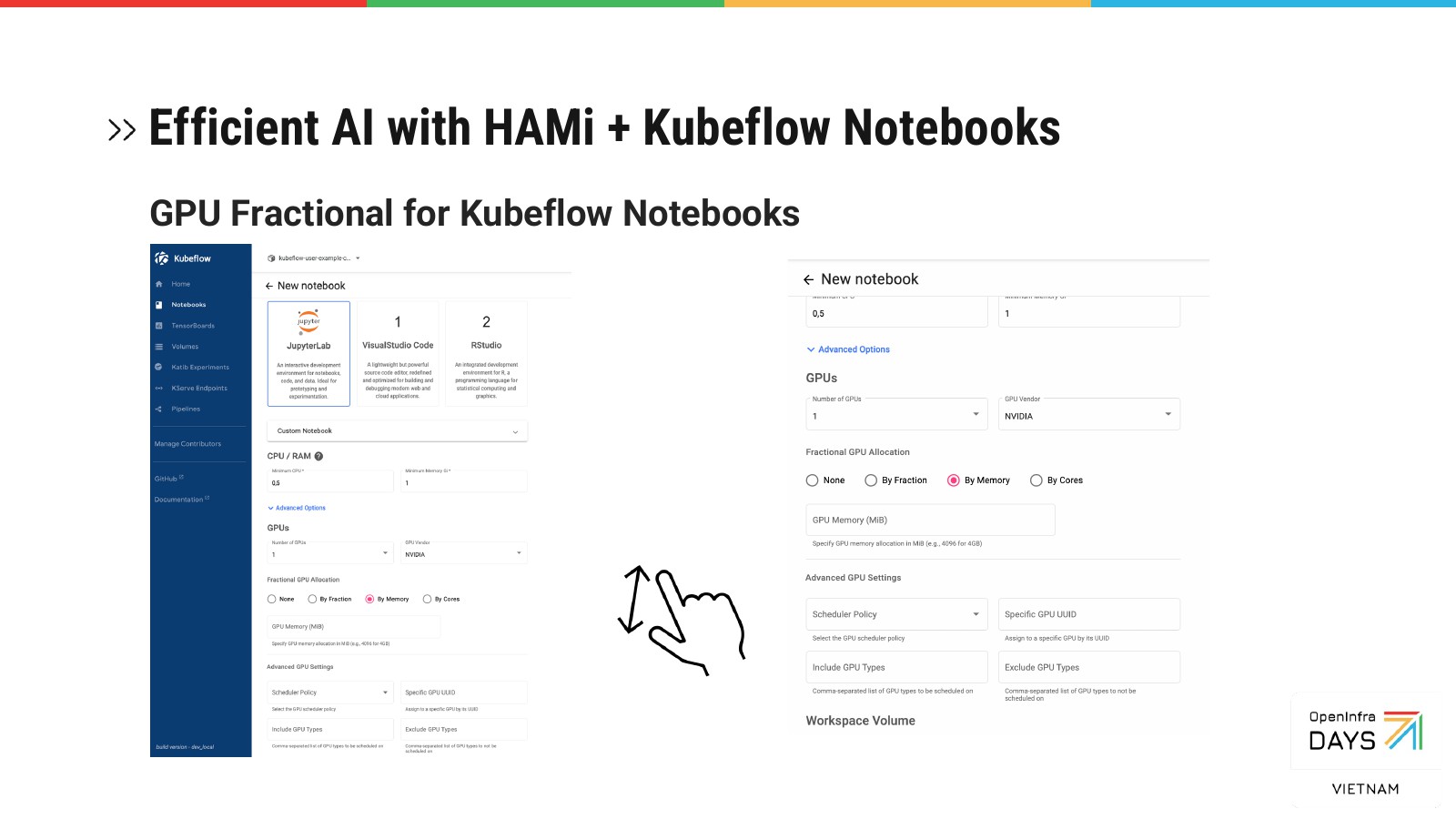
In notebook-based model development, the GPU isn’t busy all the time: you run a cell, read the output, change some code. That makes notebooks a natural place for several users to share one card.
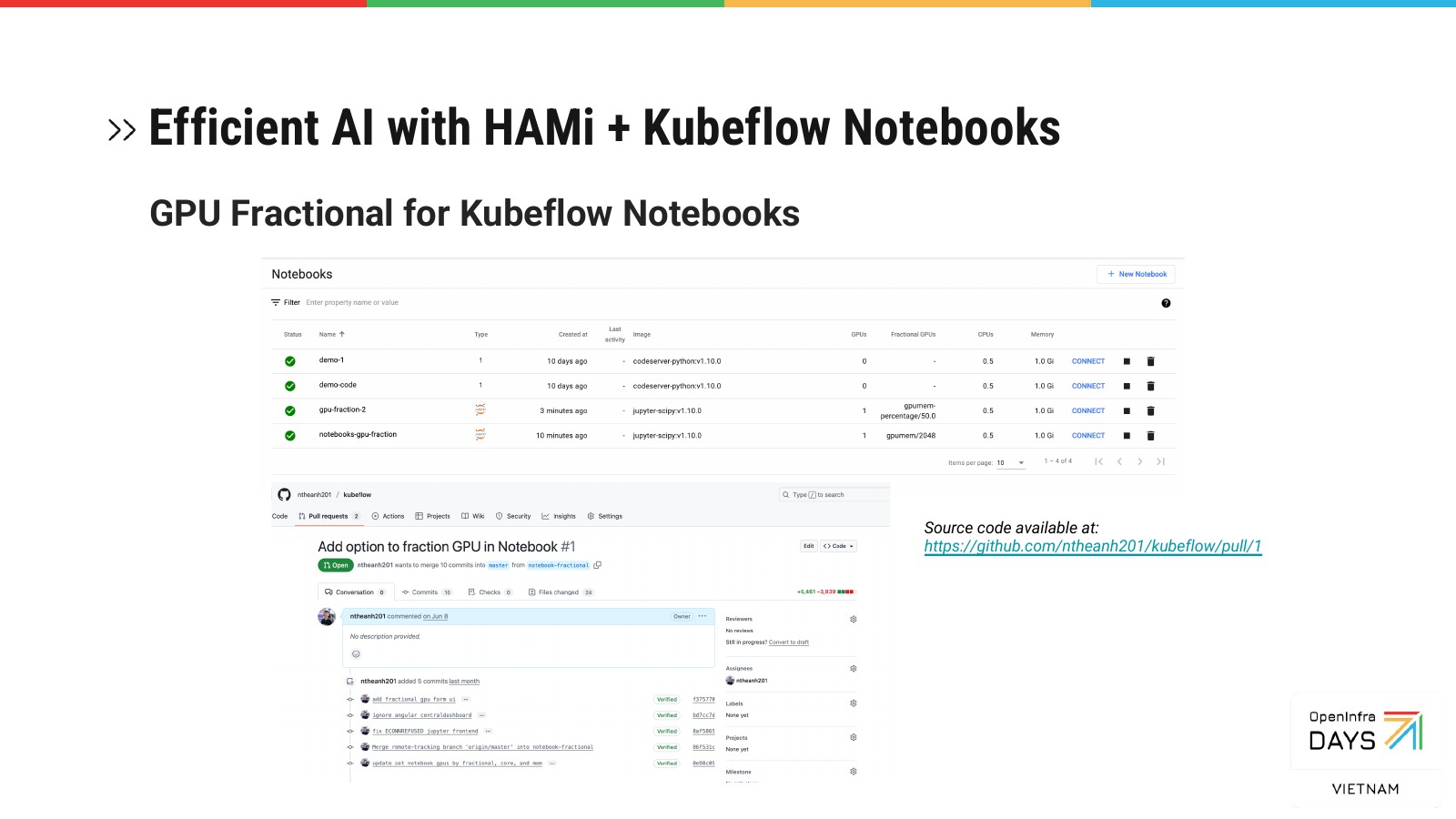
So we added fractional GPU options to the Kubeflow Notebooks form. When you create a notebook, you choose how to slice the GPU: by fraction, by memory, or by cores. You can also set a scheduling policy, pin a specific GPU UUID, and include or exclude card types. The notebook then starts as a pod with the matching HAMi limits. The change is in a pull request on my fork of Kubeflow.
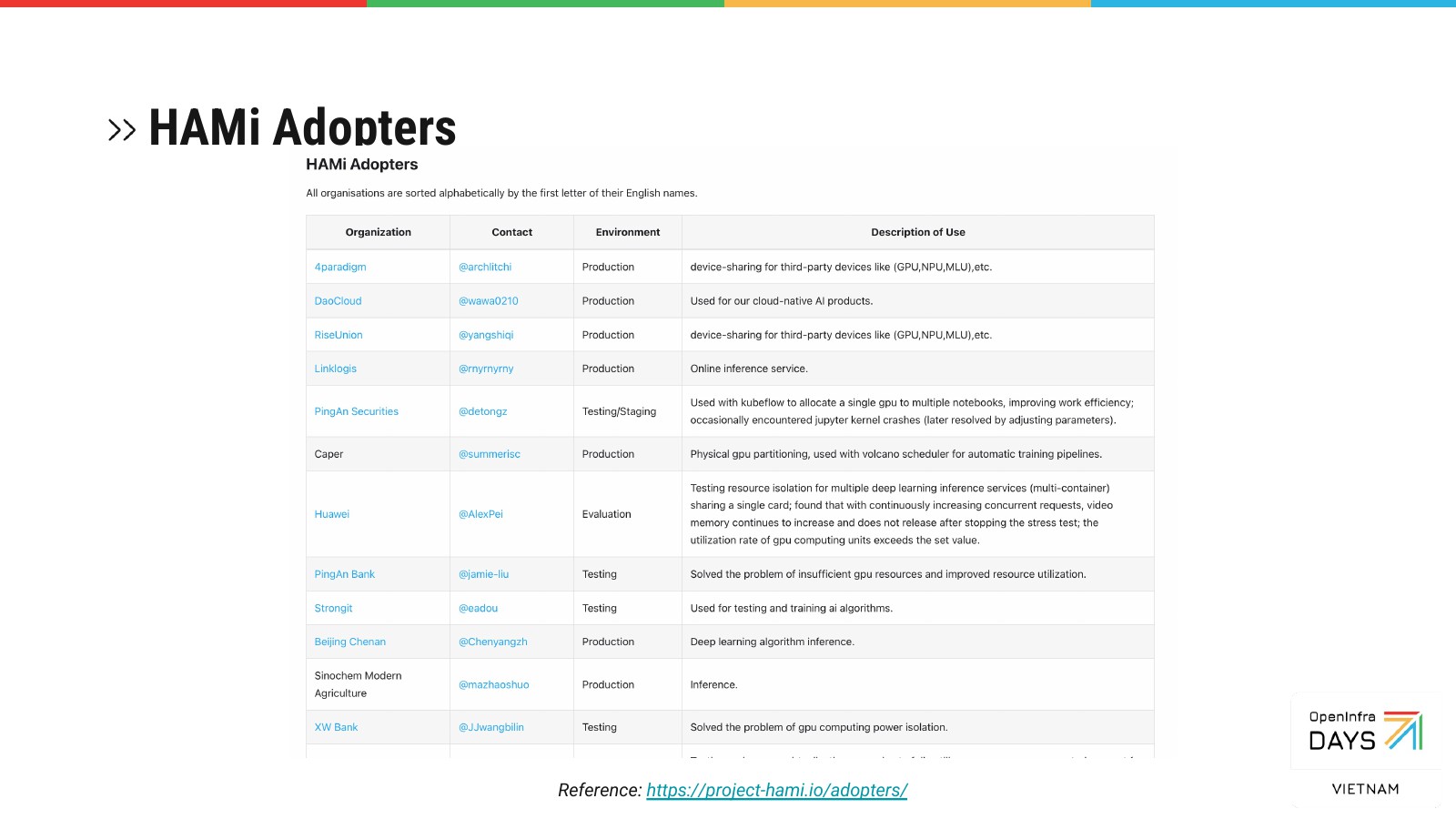
We ended with the HAMi adopters list, to show who already runs it.
What came next
This talk was about the mechanism. The question it left open was whether the numbers hold up in production. A year later, at KCD & OpenInfra Days Vietnam 2026, we answered it with real workloads: 3.4× more work per GPU, what it took to run, and which jobs don’t benefit (recap of the KCD talk).
Thanks to VietOpenInfra and the organisers of OpenInfra & Cloud Native Day Vietnam 2025. If you’ve run HAMi or another GPU-sharing layer and drawn the line between soft and hard isolation somewhere else, I’d like to hear where.