Recap Cloud Native Hanoi May Meetup: Fractional GPU for AI, Open Source Solutions in Cloud Native
Kubernetes hands out GPUs whole. We compared three open source ways to slice them, and found that scheduling a slice is easy while enforcing it is the hard part.
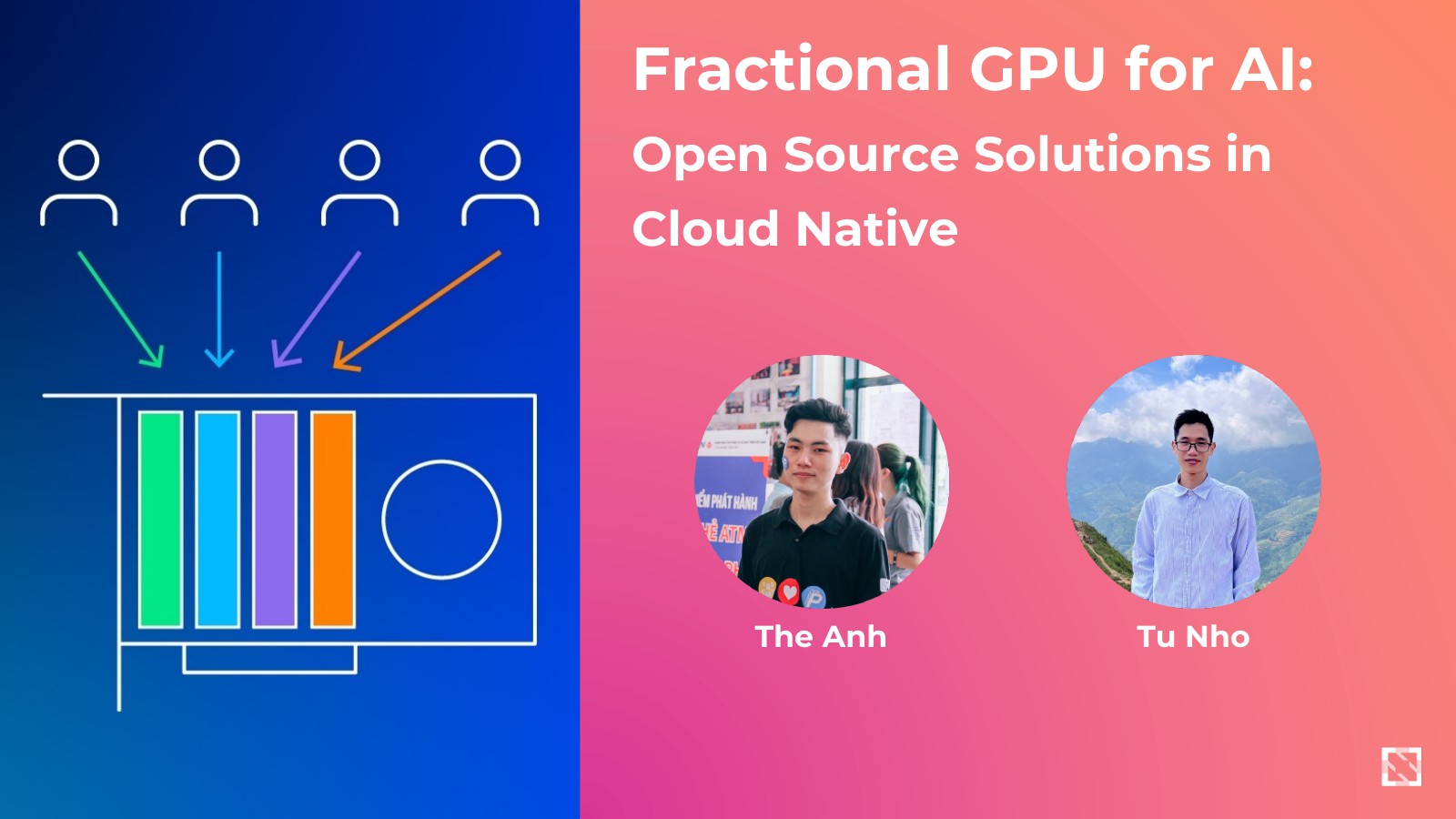
Kubernetes treats a GPU as one indivisible thing. A pod asks for nvidia.com/gpu: 1 and gets the whole
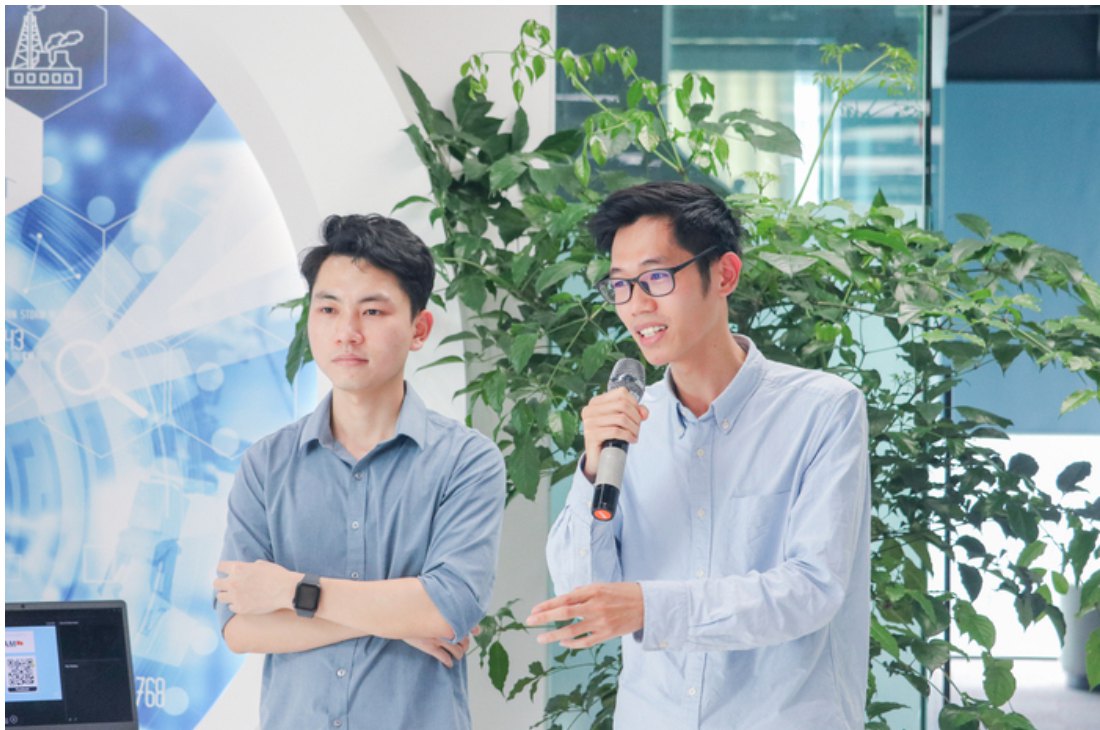
card, even when it needs a tenth of it. My teammate Minh Tu Nho and I compared the open source ways around
that, and on 25 May 2025 we shared what we found at Cloud Native Hanoi’s May
Meetup, “GPU and eBPF on Kubernetes”.
The short version: putting several pods on one GPU is easy. Making sure each pod only gets the slice it asked for is the hard part, and that’s where the options we tried split apart.
What “fractional GPU” means
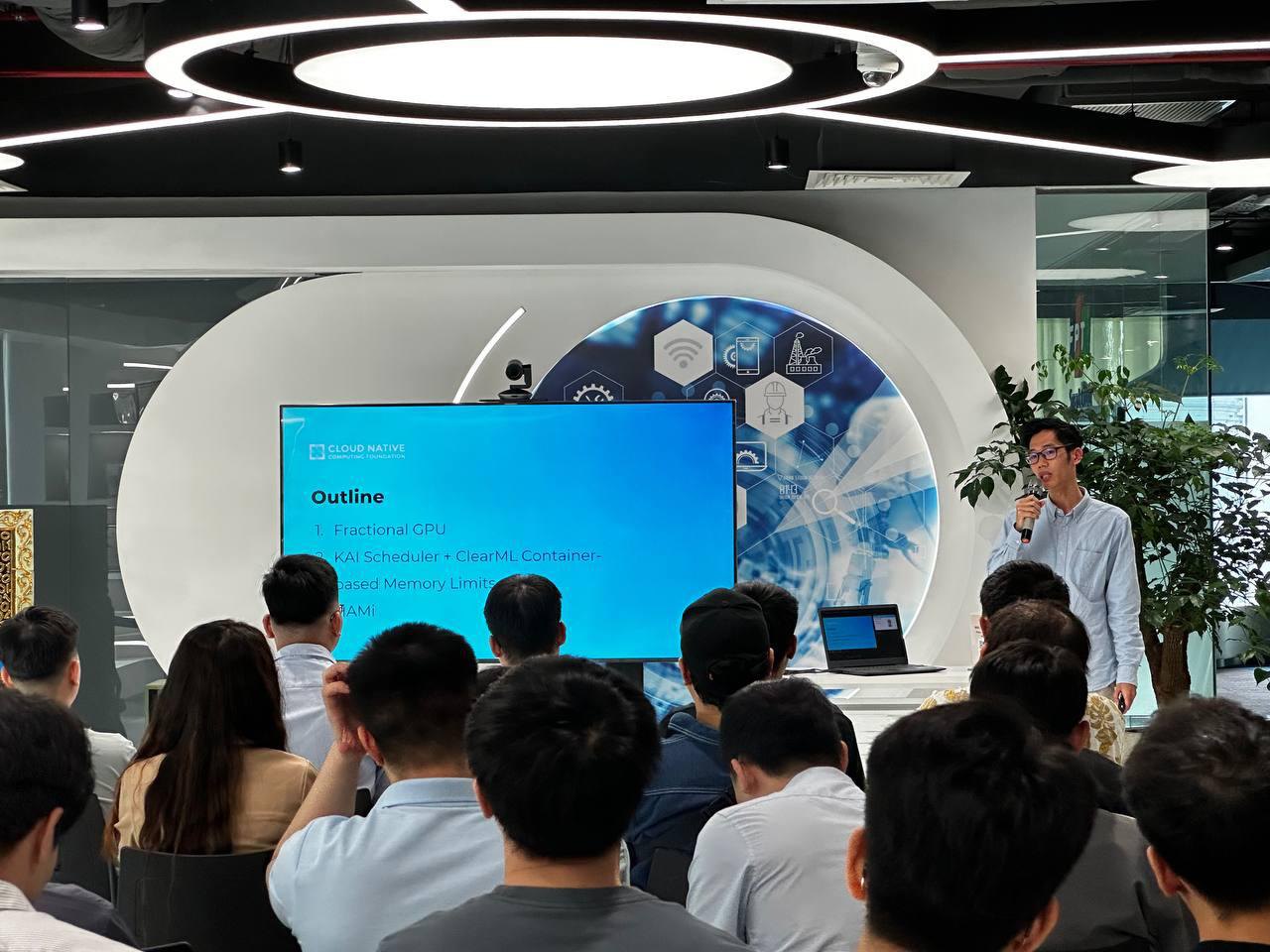
Fractional GPU is partitioning a GPU’s resources into smaller slices, so several pods run on the same card at the same time. NVIDIA already gives you a few ways to share a GPU, each at a different layer:
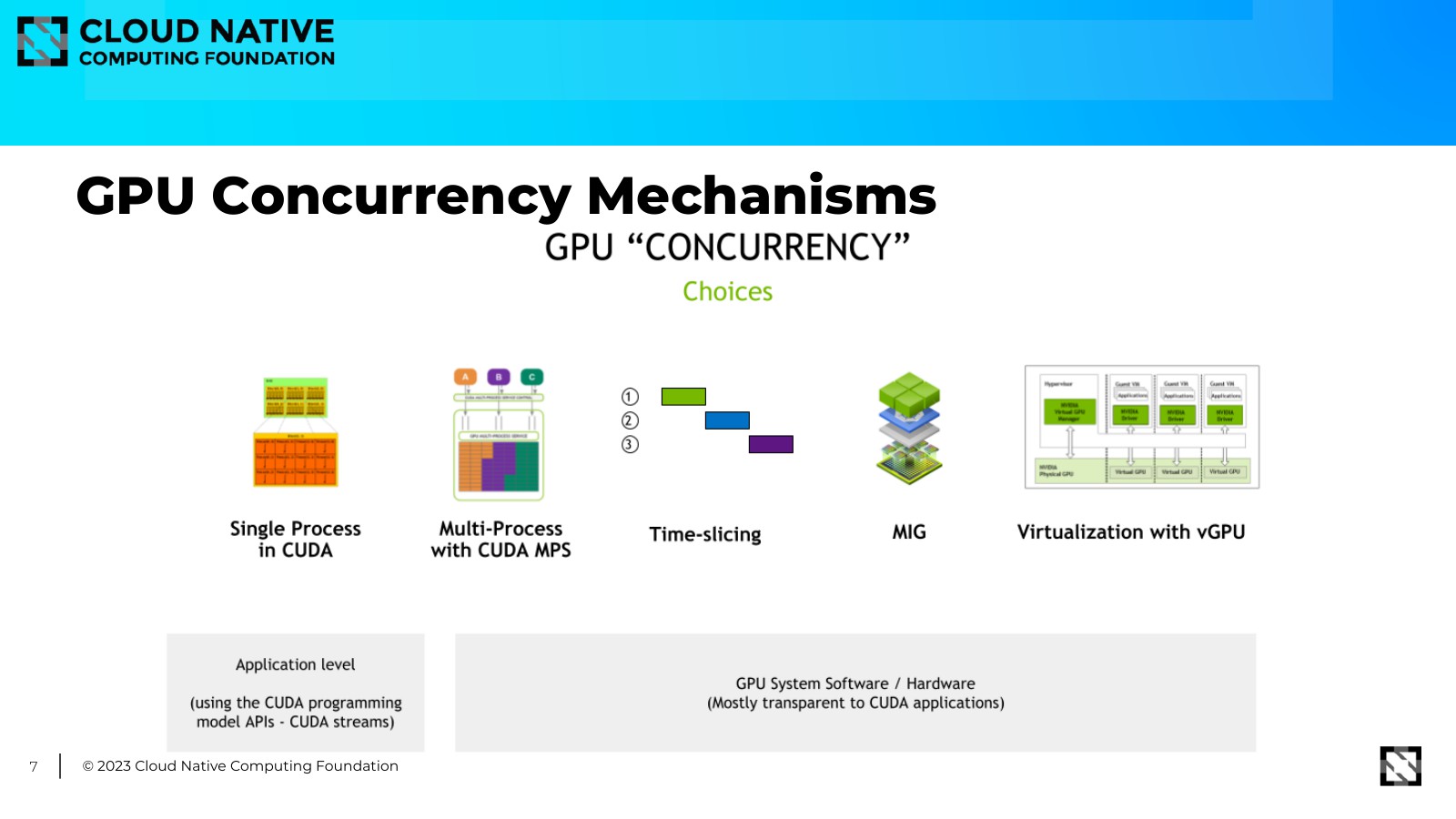
- Single process with CUDA streams, inside one application.
- Multi-Process Service (MPS), several processes sharing one context.
- Time-slicing, processes taking turns on the whole GPU.
- MIG, hardware partitions on the cards that support it.
- vGPU, virtualisation below the operating system.
The cloud native question is how to request and schedule those slices from Kubernetes, and how to monitor and manage them once they’re running.
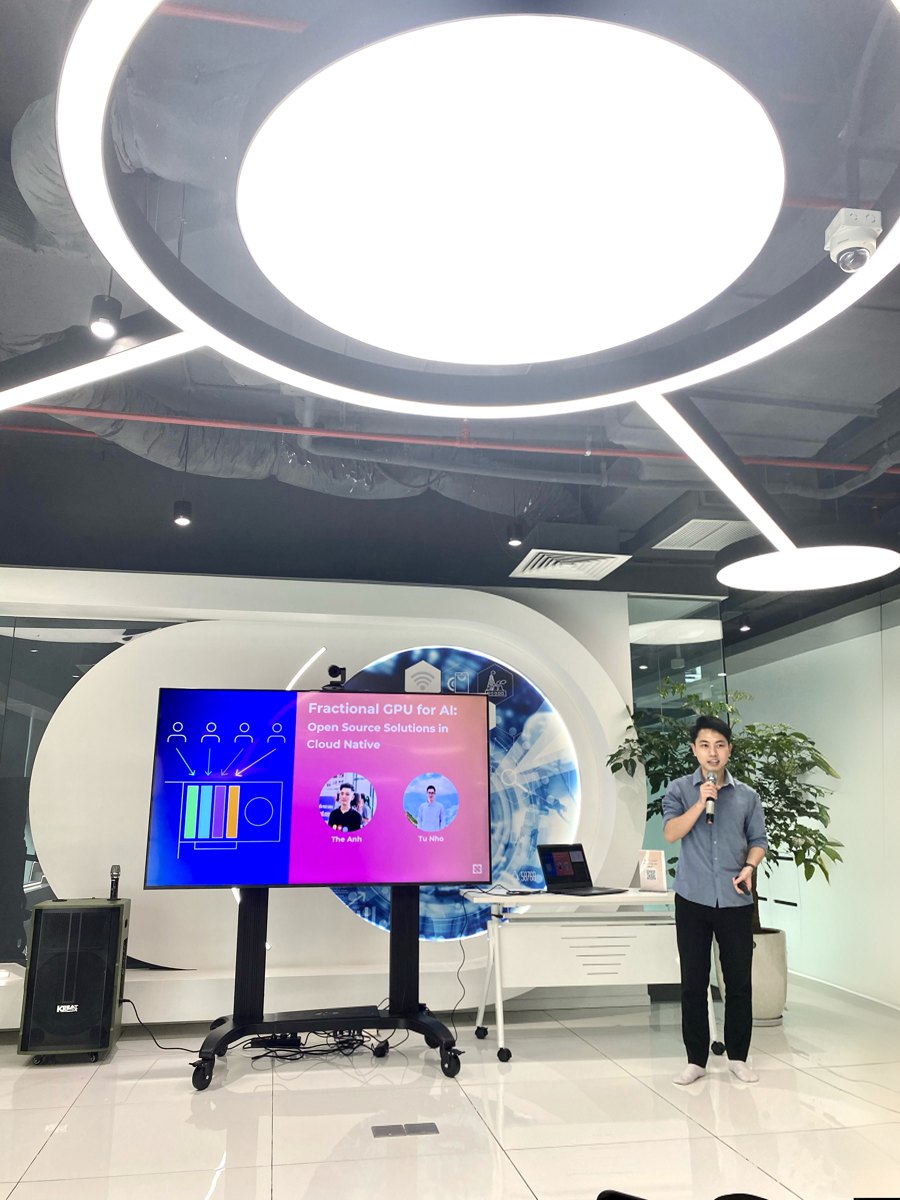
Option 1: KAI Scheduler shares, but doesn’t isolate
KAI Scheduler is the Kubernetes-native GPU scheduler that came out of the Run:ai platform. It supports GPU sharing in two forms: a pod can ask for a fraction of a GPU, or for an amount of GPU memory. Two or more pods then land on the same device.
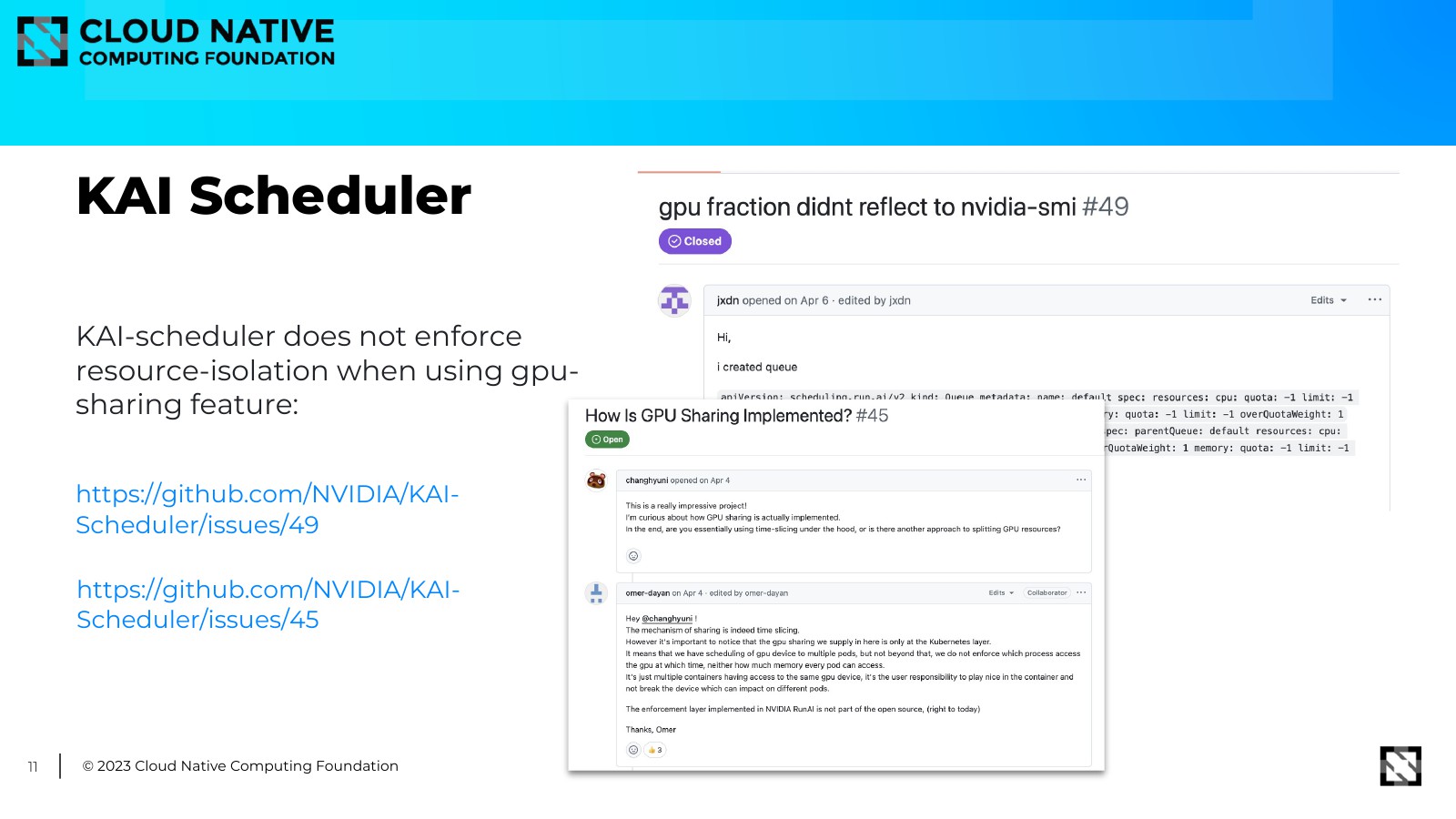
What it doesn’t do is enforce the slice. Ask for a fraction, run nvidia-smi inside the pod, and it still
shows the whole card. Two issues on the project describe exactly this:
gpu fraction didn’t reflect to nvidia-smi and
how is GPU sharing implemented?. The answer is that the
scheduler places pods by their fractions, and it’s up to each workload to stay inside its share.
KAI had also just applied to the CNCF Sandbox, so we put a question mark on a slide: KAI to CNCF?
Option 2: borrow the isolation from ClearML
ClearML’s fractional GPU takes the opposite approach.
Its open source option is a set of pre-packaged containers with a hard memory limit built in:
clearml/fractional-gpu:u22-cu12.3-2gb, -4gb, -8gb, and so on. The limit lives in the image, not in
the scheduler.
So we proposed putting the two together: KAI decides where a pod goes, a ClearML container makes sure it stays inside its memory. On a node with one 8 GB card, a pod that needs 2 GB asks KAI for 2000 MiB of memory, or a fraction of 0.25, and runs the 2 GB ClearML image.
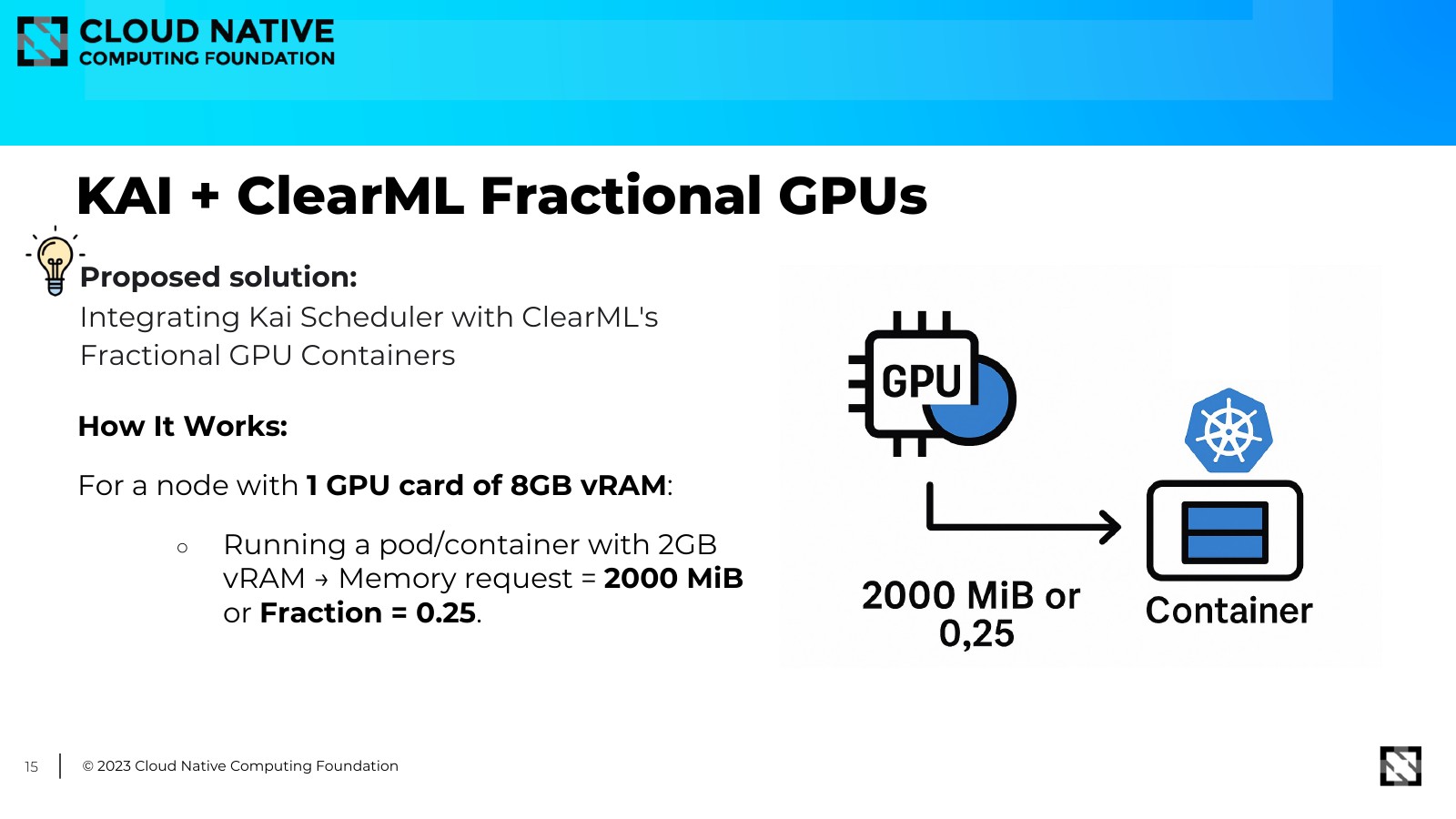
On paper that closes the gap. In practice it’s two tools glued together, and the limit is tied to whichever image you picked.
Option 3: HAMi
HAMi (Heterogeneous AI Computing Virtualization Middleware) was a CNCF Sandbox project at the time. It manages heterogeneous AI devices in one Kubernetes cluster, NVIDIA and others such as Huawei Ascend, and does sharing and isolation itself.
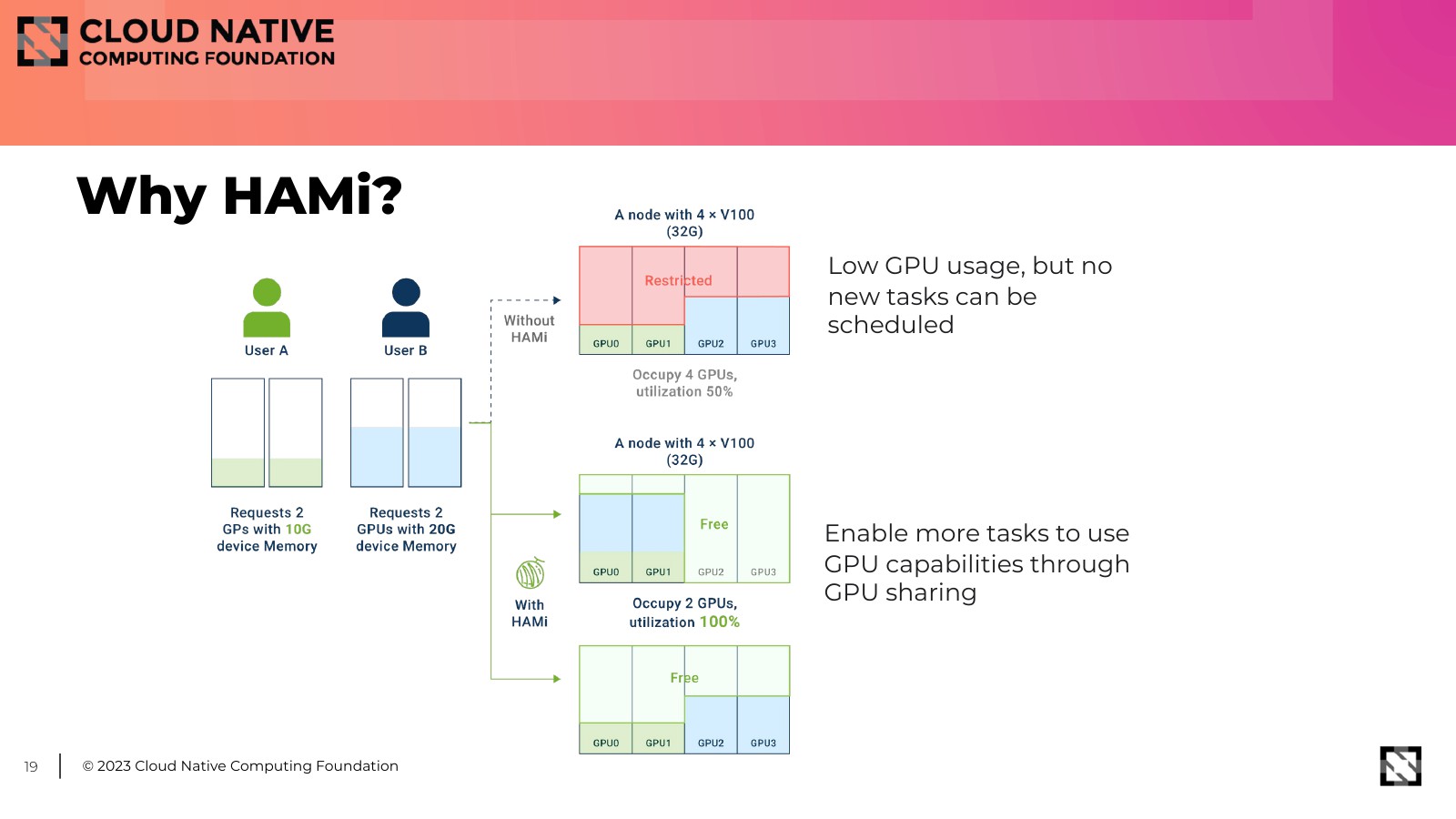
The problem it solves is the one we had: GPUs with low usage, and new tasks that still can’t be scheduled because every card is held whole. Its feature list matched what we needed: several kinds of AI device, device sharing, hard resource isolation inside the container, task priority, and binpack or spread scheduling.
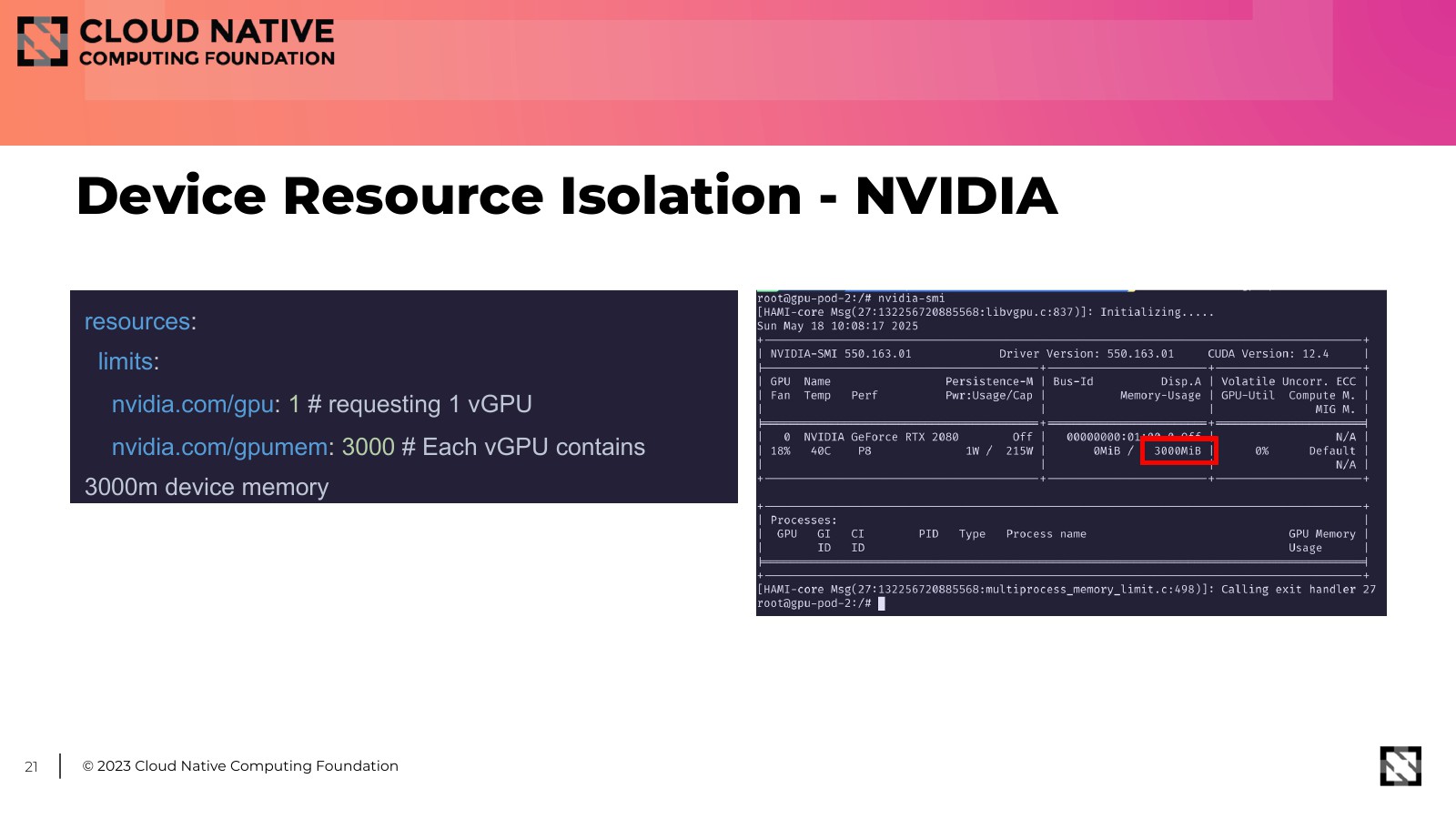
The isolation is the part we showed on stage. A pod asks for one vGPU with 3000 MB of memory:
resources:
  limits:
    nvidia.com/gpu: 1        # requesting 1 vGPU
    nvidia.com/gpumem: 3000  # each vGPU gets 3000 MB of device memory
Inside the pod, nvidia-smi on an RTX 2080 shows 3000 MiB, not the full card. That’s the difference from
the first two options: the limit is enforced inside the container, whatever image you run.
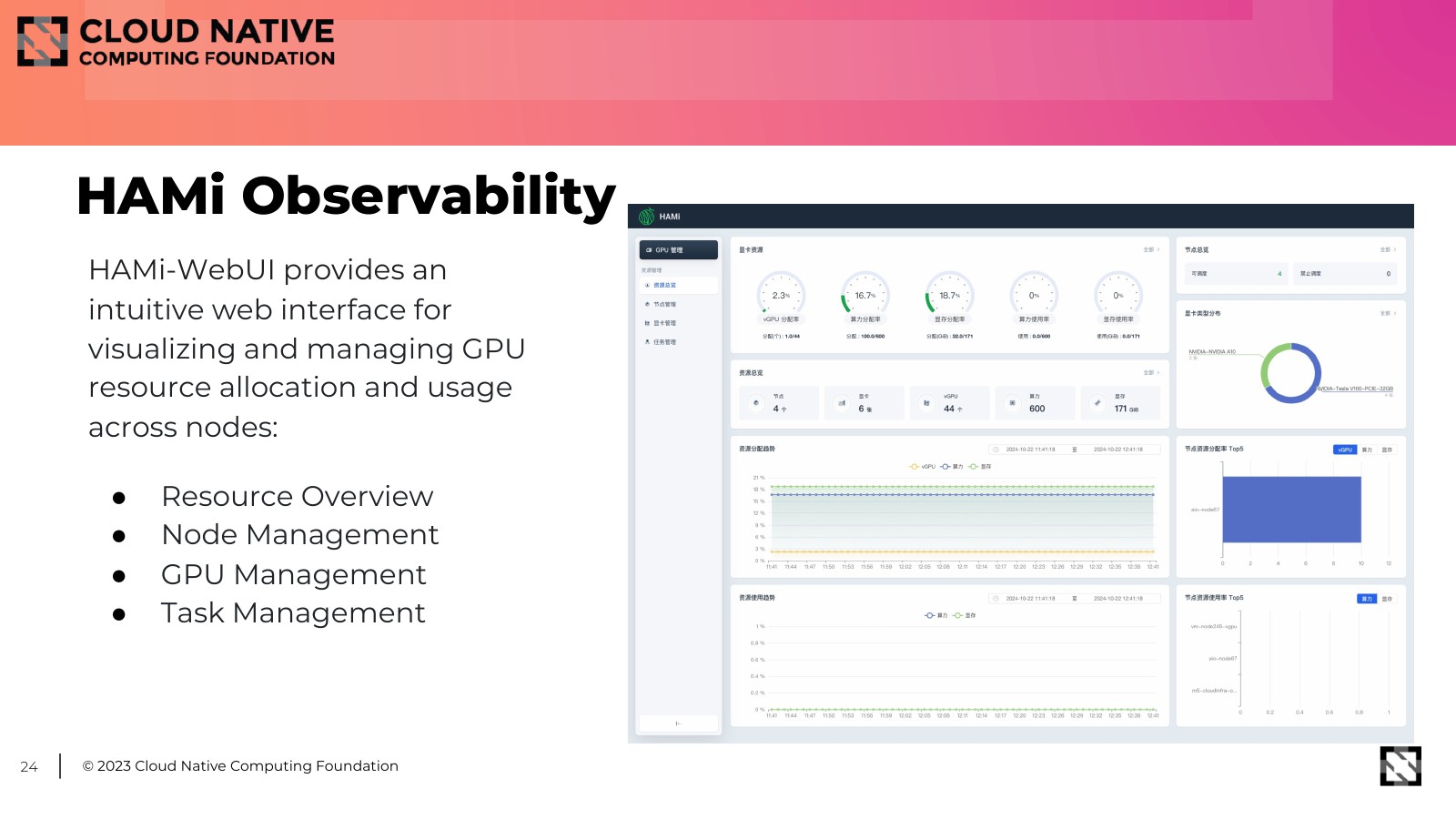
HAMi also exports cluster device allocation and real-time usage for Prometheus and Grafana, and HAMi-WebUI gives you an overview of nodes, GPUs and tasks in a browser.
Where we wanted to take it
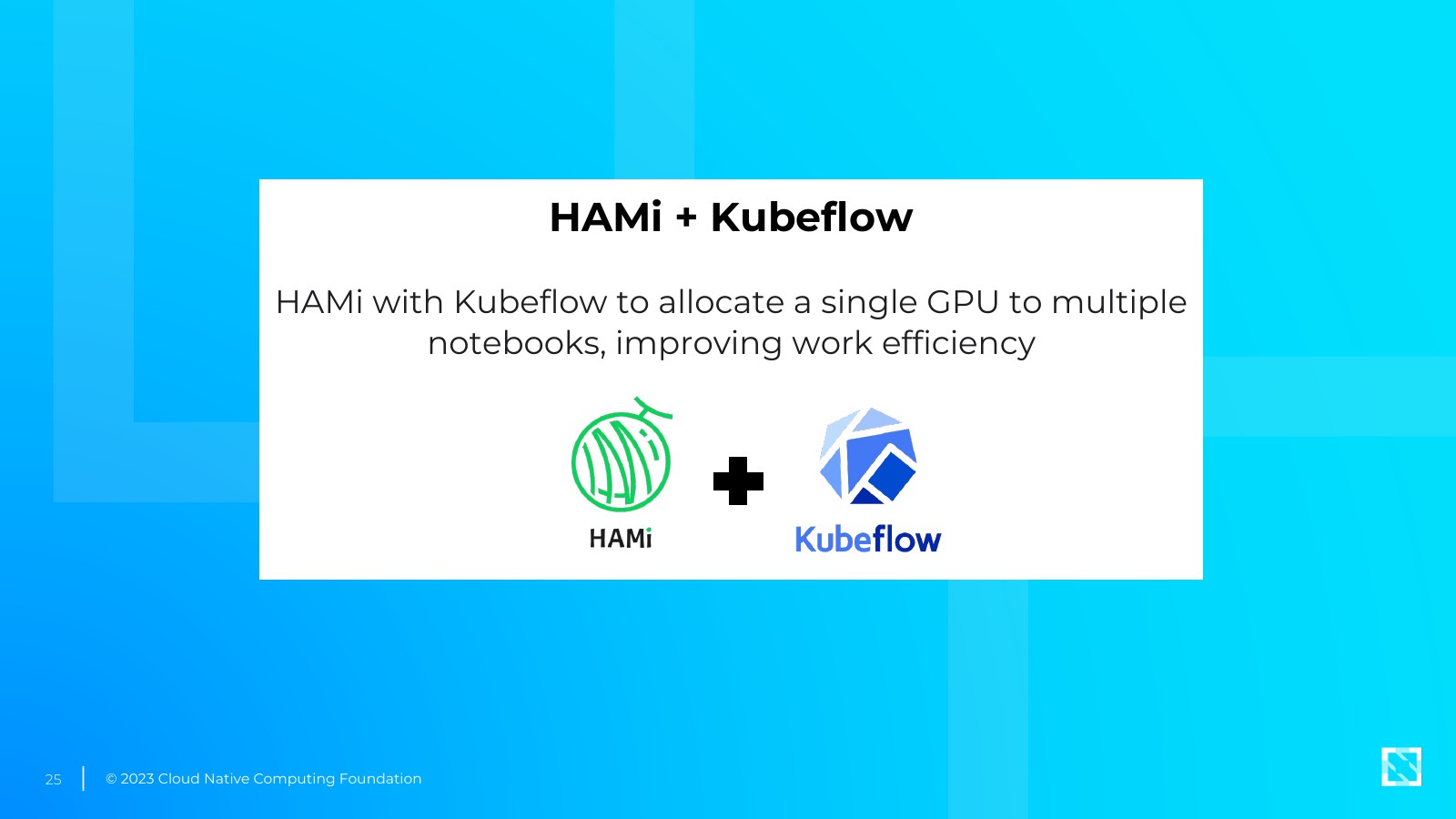
We closed with where we wanted to use it first: HAMi with Kubeflow, so a single GPU can back several notebooks. Notebooks are the textbook case of a GPU that’s allocated all day and busy for a fraction of it.
That’s what we built next. Two months later, at OpenInfra & Cloud Native Day Vietnam 2025, the follow-up talk opened up how HAMi works inside and showed it running in Kubeflow Notebooks: recap of the HAMi talk. A year after that, at KCD & OpenInfra Days Vietnam 2026, we came back with production numbers: recap of the KCD talk.
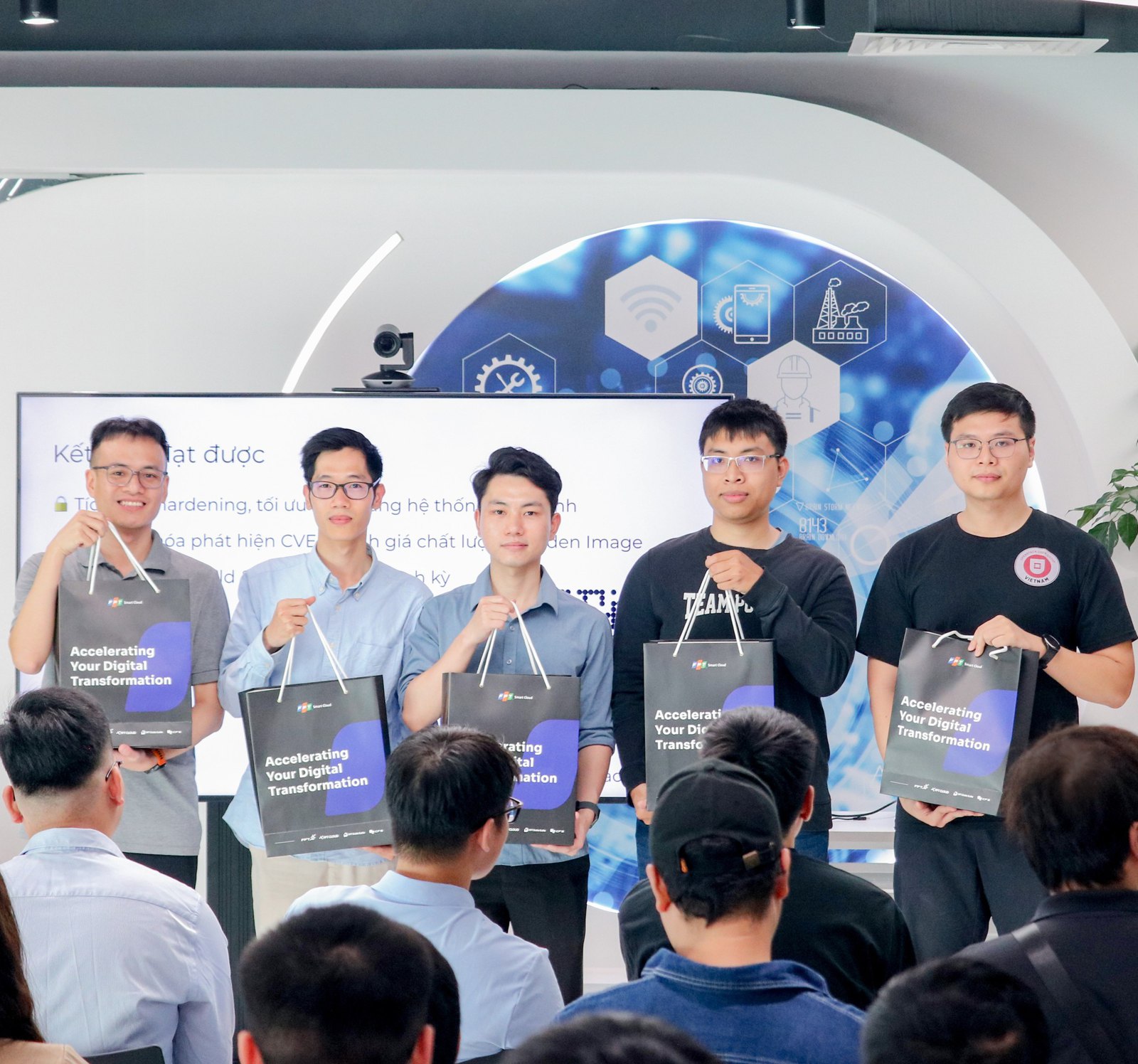
Thanks to Cloud Native Hanoi and FPT Smart Cloud for hosting. If you’ve tried slicing GPUs some other way on Kubernetes, I’d like to hear what held up.